
Download Avast Secure Browser – Free, Secure & Fast Web Browsing
Overview
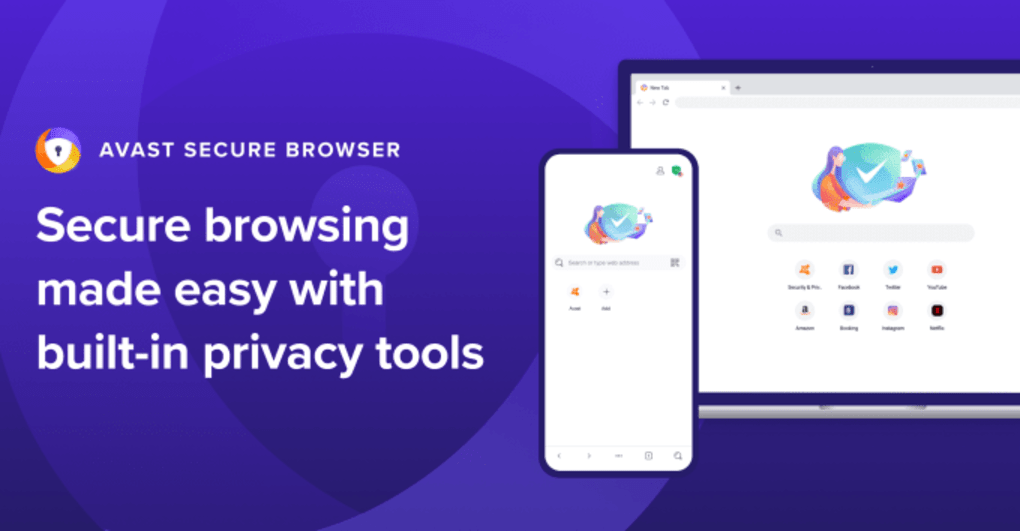
Avast Secure Browser is a free, Chromium‑based web browser that blends the speed and usability of Google Chrome with a full suite of built‑in security and privacy tools. Developed by the cybersecurity veteran Avast, this browser is designed to protect users from phishing, malware, tracking, and unwanted ads without compromising performance. Because it runs on the open‑source Chromium engine, it inherits Chrome’s compatibility with modern web standards, extensions, and responsive design while adding a dedicated Security & Privacy Center directly in the address bar.
This central hub gives instant access to anti‑tracking, anti‑fingerprinting, a privacy cleaner, and a private mode that encrypts browsing history and blocks third‑party cookies. Additional layers such as Bank Mode, Anti‑Phishing, a built‑in password manager, Webcam Guard, and Flash Block further shield sensitive transactions and personal data. Whether you’re shopping online, logging into banking portals, or simply browsing social media, Avast Secure Browser promises a seamless, fast experience that keeps your identity hidden from prying eyes.
The browser also integrates smoothly with other Avast products—like Avast Free Antivirus and Avast Secureline VPN—for an even more robust defense. While it lacks some of the deep customization options found in Firefox or Vivaldi, its out‑of‑the‑box privacy posture makes it an attractive choice for users who value security first.
Key Features
- Anti‑Tracking & Anti‑Fingerprinting: Blocks trackers and makes your browser fingerprint unique, reducing the ability of advertisers and hackers to profile you.
- Privacy Cleaner & Private Mode: Automatically wipes browsing data, cookies, and cache after each session, ensuring no residual data is left behind.
- Bank Mode & Anti‑Phishing: Creates a secure sandbox for online banking and shopping, warning you about suspicious URLs and blocking keyloggers.
- Password Manager: Securely stores and auto‑fills login credentials with AES‑256 encryption, eliminating the need for third‑party password tools.
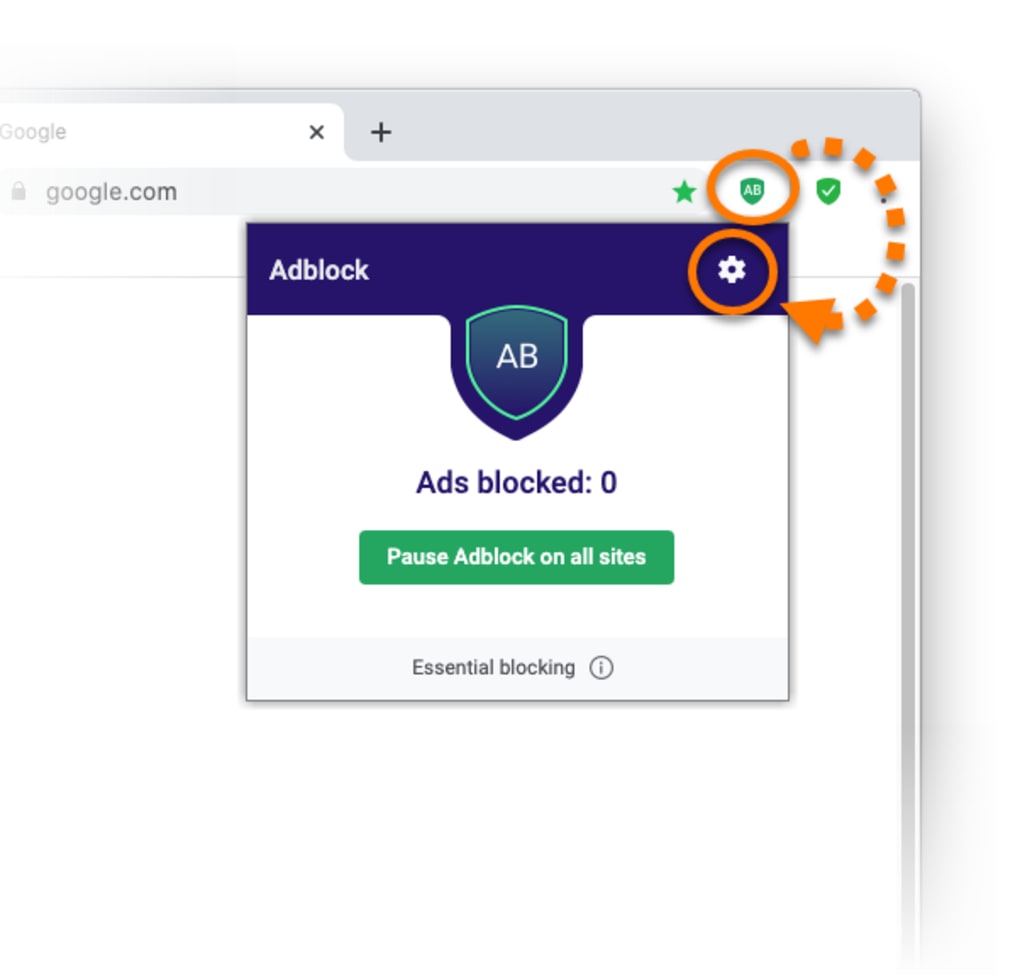
- Adblock & Flash Block: Removes intrusive ads and disables Flash content that can slow down pages or cause crashes.
- Webcam Guard: Monitors which sites request webcam access and lets you deny or allow permissions in real time.
- HTTPS Everywhere: Forces encrypted connections whenever possible, safeguarding data in transit.
- Seamless Chromium Compatibility: Supports Chrome extensions, modern HTML5, and fast page rendering.
- Lightweight UI: Familiar Chrome‑like interface with minimal clutter, making the transition effortless for existing Chrome users.
- Free Updates & Continuous Support: Regular security patches and feature enhancements are delivered automatically.
These features are not scattered across multiple plugins; they are baked directly into the browser, providing a unified security experience. The Security & Privacy Center, placed conveniently in the address bar, gives you one‑click toggles for most protections, so you never need to dig into deep settings menus. For power users, the browser also supports command‑line switches for advanced configurations, but the default setup is already hardened for everyday browsing.
Installation, Usage & Compatibility
Step‑by‑Step Installation
- Visit the official Avast website and click the “Download Avast Secure Browser” button.
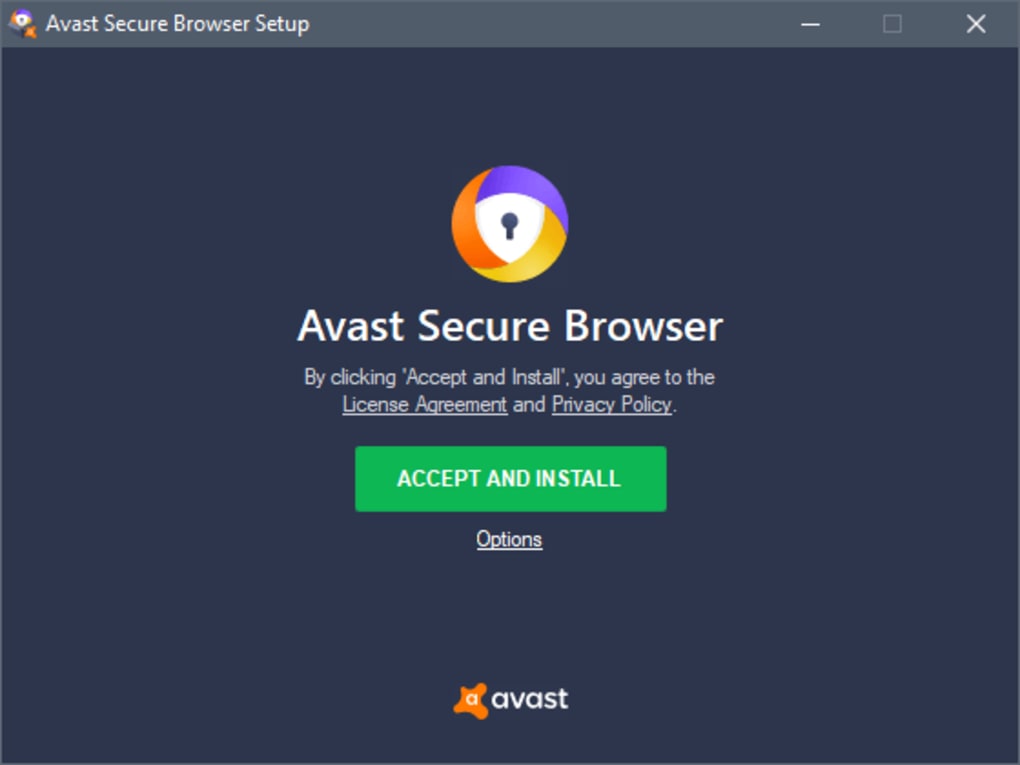
- The installer (avast‑secure‑browser‑setup.exe) will download; run the file and grant administrative permission if prompted.
- Follow the on‑screen wizard: accept the EULA, choose the installation folder (default is C:\Program Files\Avast Secure Browser), and select optional shortcuts.
- Click “Install” and wait for the progress bar to complete—this typically takes under a minute on modern hardware.
- After installation, launch the browser. The first run will guide you through a quick tour of the Security & Privacy Center, allowing you to enable or disable key protections.
Getting the Most Out of the Browser
Once opened, the address bar doubles as a control panel. Clicking the shield icon reveals toggles for Anti‑Tracking, Bank Mode, and Privacy Cleaner. For frequent travelers, you can pin the “Private Mode” shortcut to the taskbar for instant, encrypted sessions. The built‑in password manager can be activated by clicking the key icon, where you can import existing passwords from other browsers or create new strong passwords with a single click. To manage extensions, simply visit the Chrome Web Store—Avast Secure Browser supports the same extensions, and you can install ad blockers, VPNs, or developer tools as needed.
Compatibility
Avast Secure Browser runs on the major desktop and mobile operating systems:
- Windows: Windows 7, 8, 8.1, 10, and 11 (64‑bit recommended).
- macOS: macOS 10.13 (High Sierra) and later.
- Android: Android 5.0 Lollipop and newer.
- iOS: iOS 11.0 and later (available via the App Store).
System requirements are modest: a minimum of 2 GB RAM, 200 MB of free disk space, and a modern processor (Intel i3 or equivalent). Because it leverages Chromium, the browser benefits from hardware acceleration on supported GPUs, delivering smooth video playback and quick page loads even on older machines.
Pros & Cons
Pros
- Comprehensive built‑in security tools eliminate the need for multiple extensions.
- Chromium base ensures fast performance and broad website compatibility.
- Free, with regular updates and no hidden fees.
- Intuitive Security & Privacy Center provides one‑click protection toggles.
- Adblock and Flash Block improve page loading times and reduce data usage.
- Seamless integration with other Avast products for layered defense.
- Cross‑platform availability (Windows, macOS, Android, iOS).
Cons
- Limited theme and UI customization compared to browsers like Firefox.
- Occasional false positives in anti‑phishing filter may block legitimate sites.
- Some users report higher memory consumption than vanilla Chrome during heavy multitasking.
- Built‑in password manager lacks advanced sharing features found in dedicated managers.
- Features are heavily tied to Avast’s ecosystem, which may deter users of competing security suites.
Overall rating: 4 out of 5 stars – Avast Secure Browser delivers solid security without sacrificing speed, making it an excellent free alternative for privacy‑conscious users.
FAQ & Conclusion
Frequently Asked Questions
Is Avast Secure Browser completely free?
Yes, the browser is 100 % free for personal use. All core security features are included at no cost, and updates are delivered automatically.
Can I import my Chrome extensions?
Absolutely. Since Avast Secure Browser is built on Chromium, you can install any Chrome extension directly from the Chrome Web Store.
How does Bank Mode protect my financial transactions?
Bank Mode creates a secure, isolated environment that blocks keyloggers, prevents third‑party scripts, and forces HTTPS connections, reducing the risk of credential theft.
Will the browser work on low‑end laptops?
Yes. Minimum requirements are modest (2 GB RAM, 200 MB storage). While it may use slightly more memory than vanilla Chrome, performance remains smooth on most modern low‑end devices.
Can I use Avast Secure Browser together with other antivirus programs?
The browser is designed to coexist with any reputable antivirus solution. However, running multiple security suites that perform the same functions can cause conflicts, so it’s best to keep only one active real‑time scanner.
Conclusion – Secure Your Browsing Today
Avast Secure Browser strikes a compelling balance between speed, usability, and robust security. By leveraging the proven Chromium engine and layering it with Avast’s anti‑tracking, anti‑phishing, and privacy tools, the browser offers a seamless experience that protects you from the most common online threats. While power users may miss deep UI customization, the out‑of‑the‑box protection is ideal for everyday internet users, families, and small businesses that want a hassle‑free, secure browsing solution. If you’re looking for a free, privacy‑first alternative to Chrome or Firefox, give Avast Secure Browser a try—download it today, enable the Security & Privacy Center, and browse the web with confidence.







